This article applies to companies using switch direct The purpose of this document is to provide a clear specification for enabling direct assignment strategies, including rule prioritization. These requirements establish the foundational architecture needed to support client-specific strategies today while setting the groundwork for scalable automation, performance-driven allocation, and future enhancements across Switch Direct.
View Rules
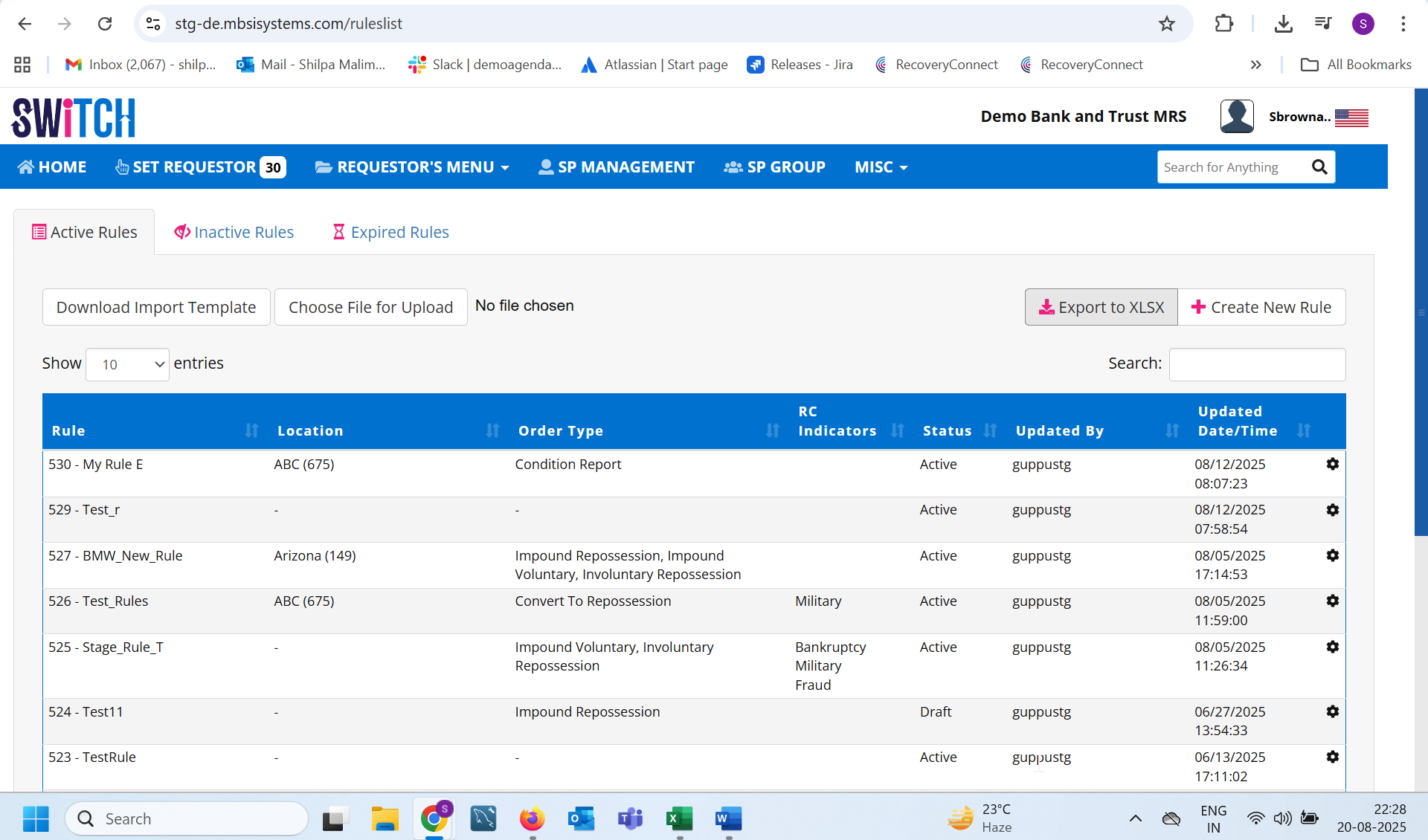
The user can toggle between Active, Inactive, and Expired Rules tabs.
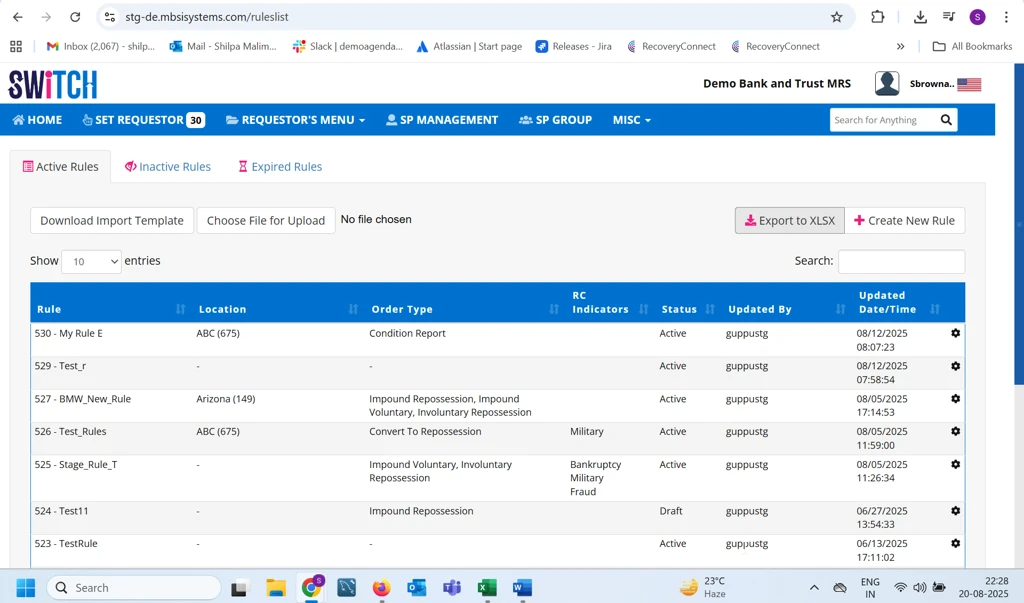
The system displays rules in a tabular format with columns: Rule, Location, Order Type, RC Indicators, Status, Updated By, and Updated Date/Time.
The user can search and filter rules.
Create Rules
The user can click Create New Rule to define a new rule.
The system should prompt for required fields (Rule Name, Coverage Area, Order Type, RC Indicators, Status).
Update Rules
The user can click the gear icon against a rule to edit its details.
Changes must be saved and reflected with the updated Updated By and Updated Date/Time.
Export / Import Rules
The user can export the rules list into an XLSX file.
The user can download a template and upload rules in bulk.
Rule Status Management
Each rule can be set to Active, Draft, Inactive, or Expired.
Only users with permission can change statuses.
Pagination
System displays 10 rules per page (default) with the option to navigate pages.