This article applies to customers using Switch Direct The purpose of this document is to provide a clear specification for enabling direct assignment strategies, including schedule management. These requirements lay the foundation to support your client-specific strategies today and set the stage for scalable automation, performance-driven allocation, and future enhancements across Switch Direct.
Schedules
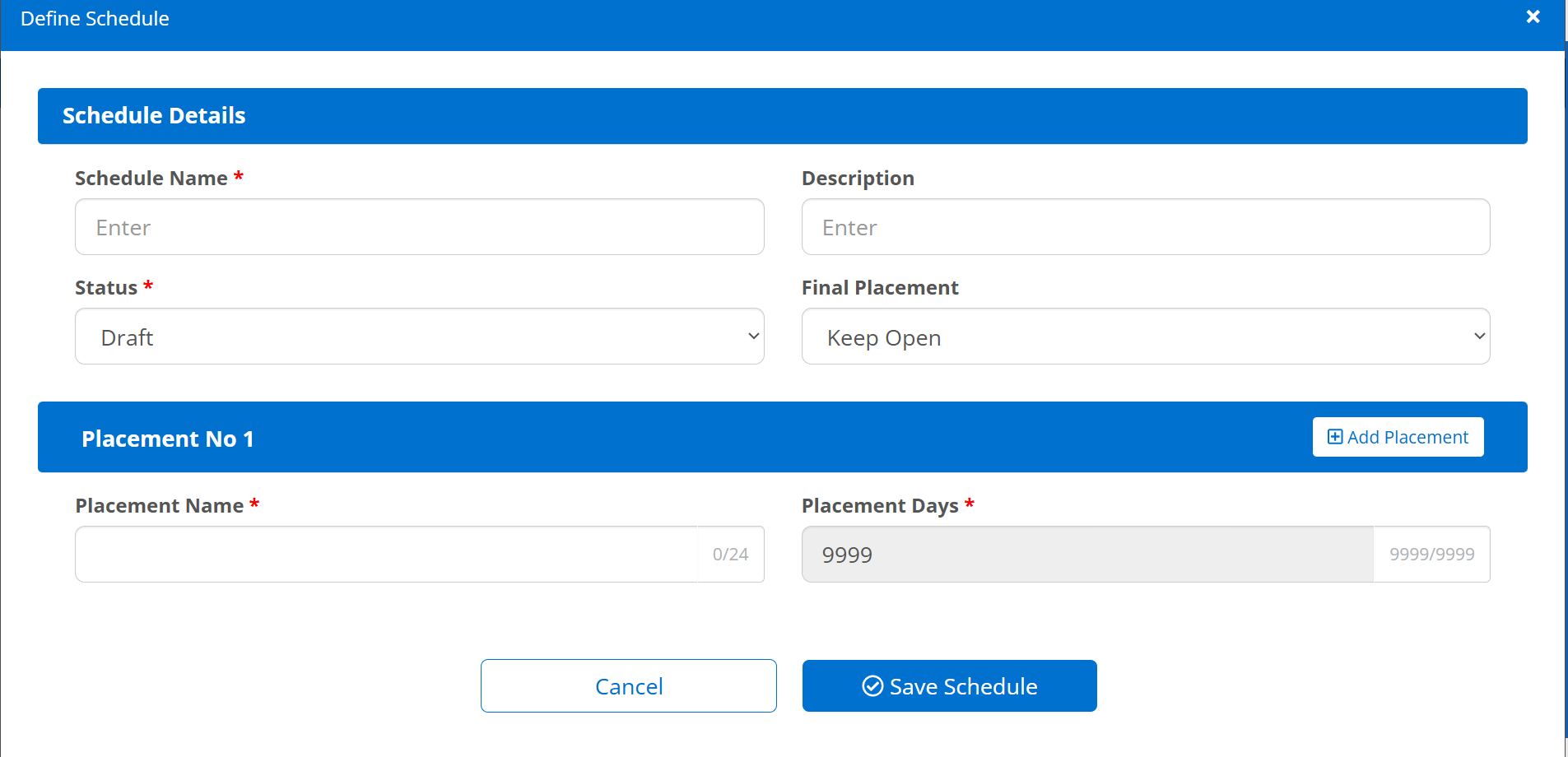
Schedules define how long a case stays with a vendor and when it should flip.
The system tracks how many days/cycles the case remains with each vendor.
Reassign if the vendor is not the last used.
The number of placement attempts (e.g., 4) can be configured.
Rules end based on Days OR Expiration Date.
View and Manage Direct Schedules
The switch admin should be able to create schedules based on the points mentioned below:
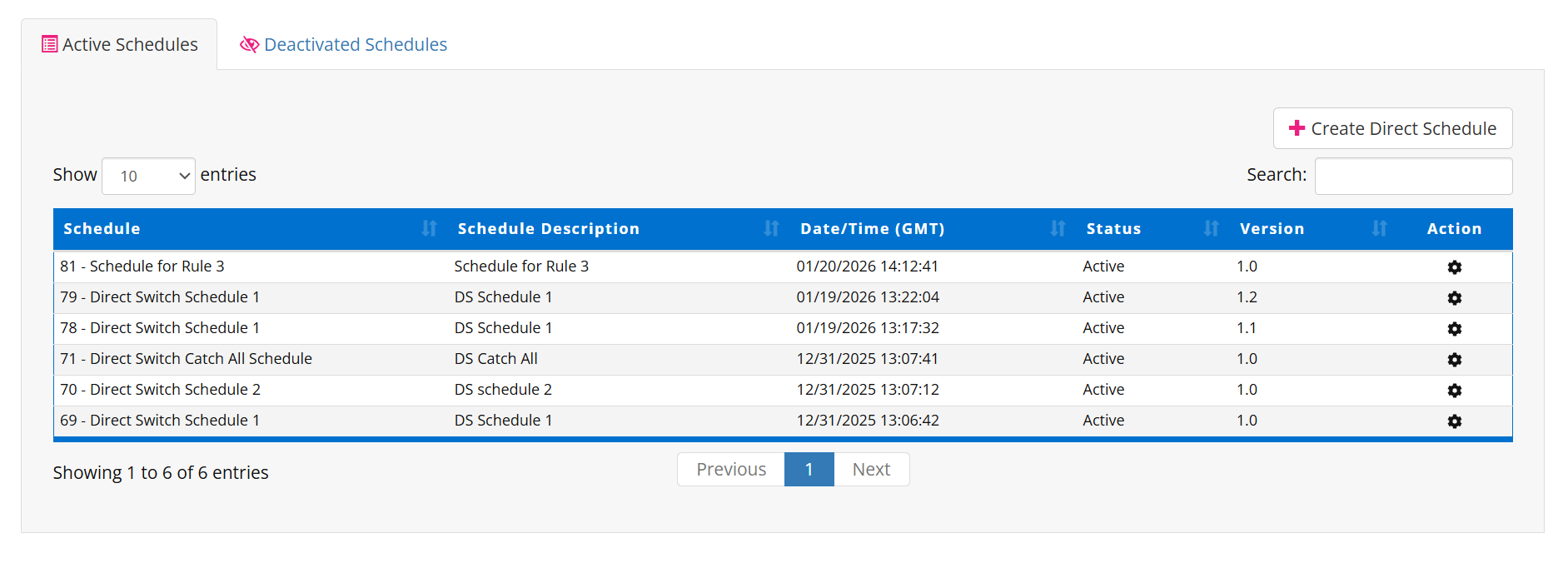
System displays a list of schedules with ID, Name, Description, Date/Time, Status, Version, and Actions.
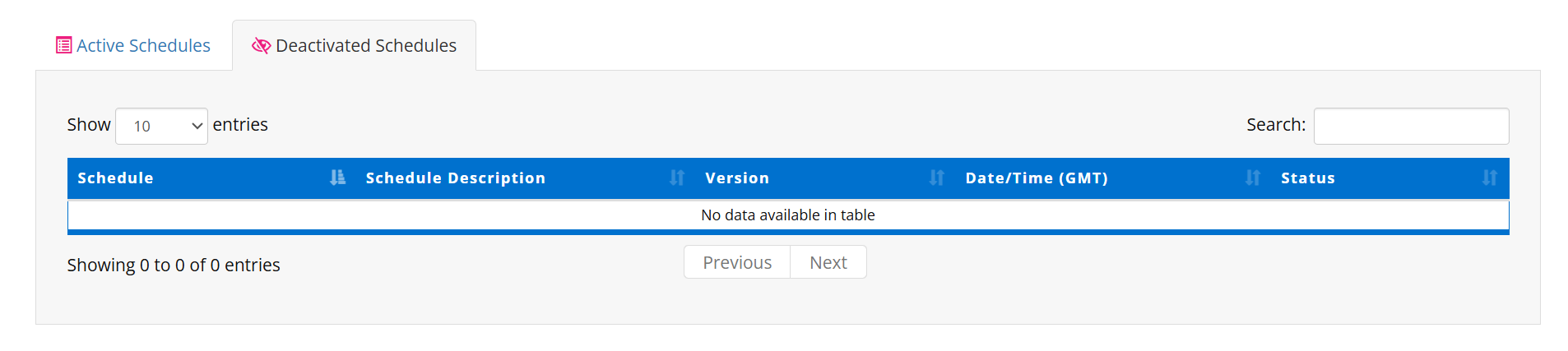
The system should have 2 separate tabs to display active and inactive schedules.
The user can search, filter, and sort schedules by different fields.
The user can create new schedules using Create Direct Schedule.
The user can download an import template and upload files to create or import in bulk.
Pagination allows navigation through multiple pages of schedules.
Actions (via gear icon) allow viewing or editing schedule details.
Active Schedules