This article applies to all users
RCM Mandate means that when a company turns this option on, then agencies can only recover through the RCM app.
This has to be set up by an Mbsi admin employee only.
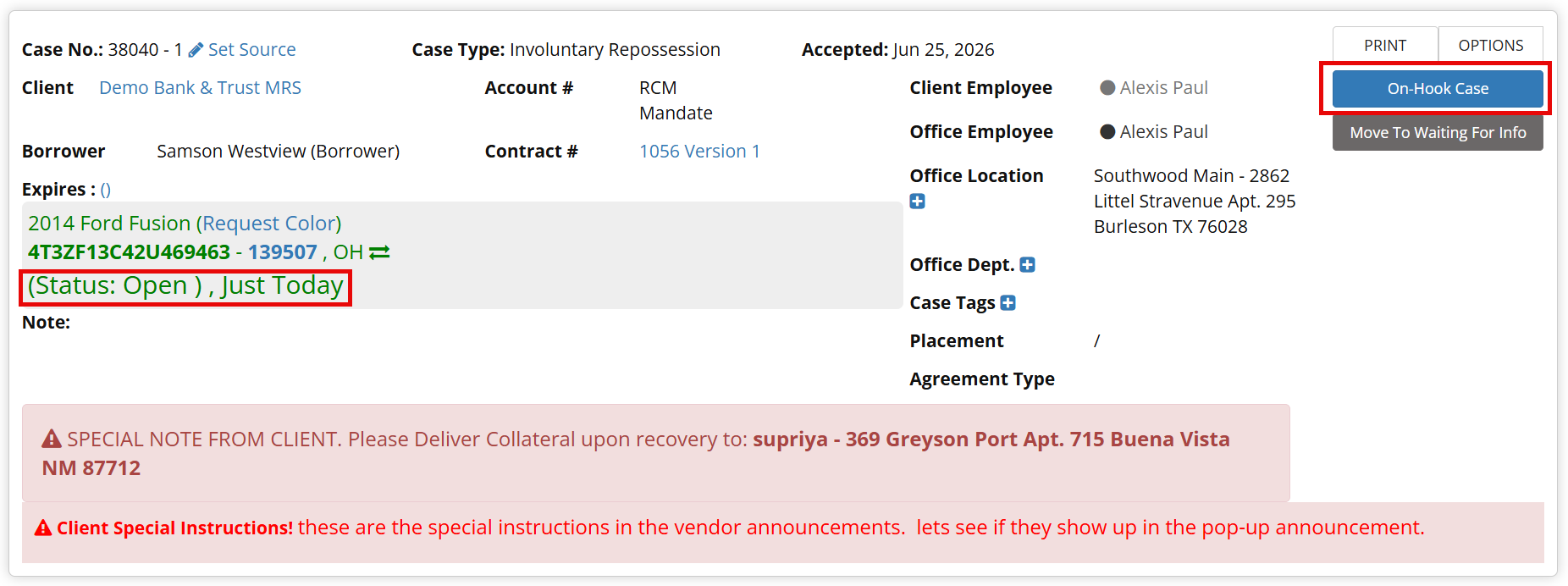
When the lender or forwarder creates a case with the RCM Mandate setting on the ageny will see this if they access the case through the UI.
Note: You can see that there is no On-Hook button with this open case.
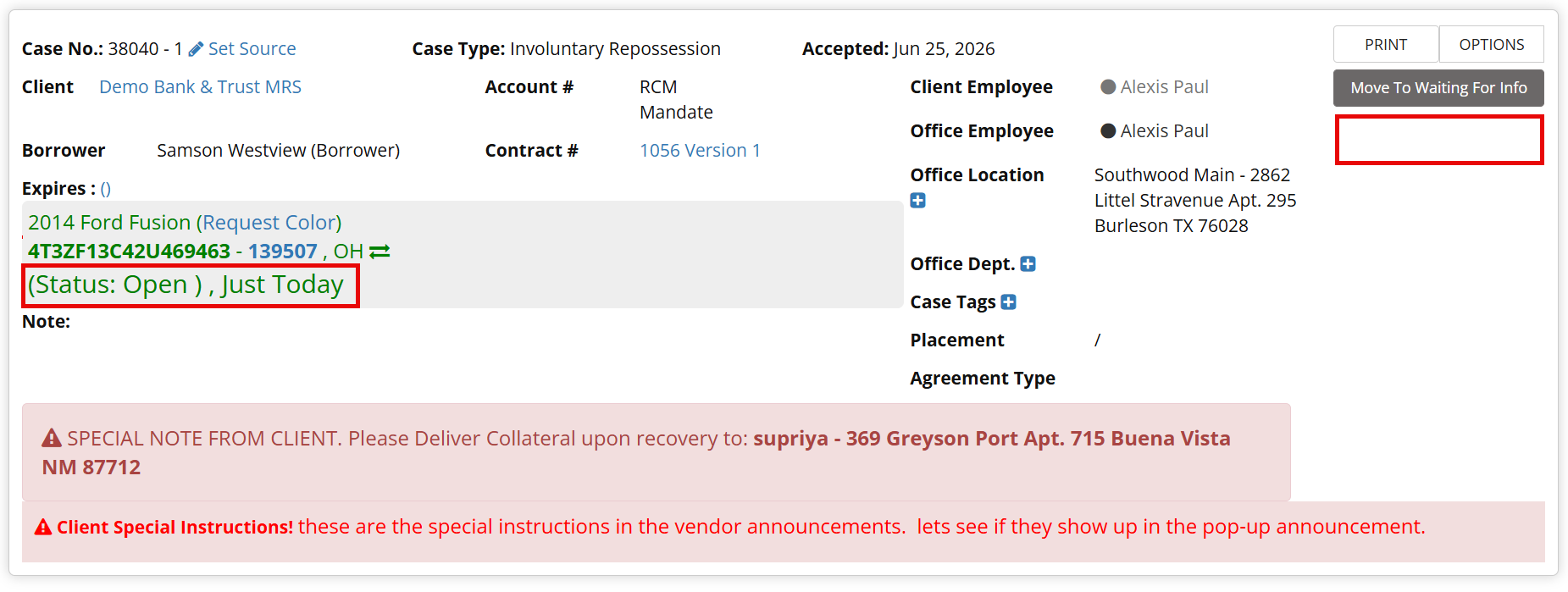
The agency will have to log into the RCM app and complete the recovery through there.
Here you see the same case as above with the ability to mark the collateral On-Hook.
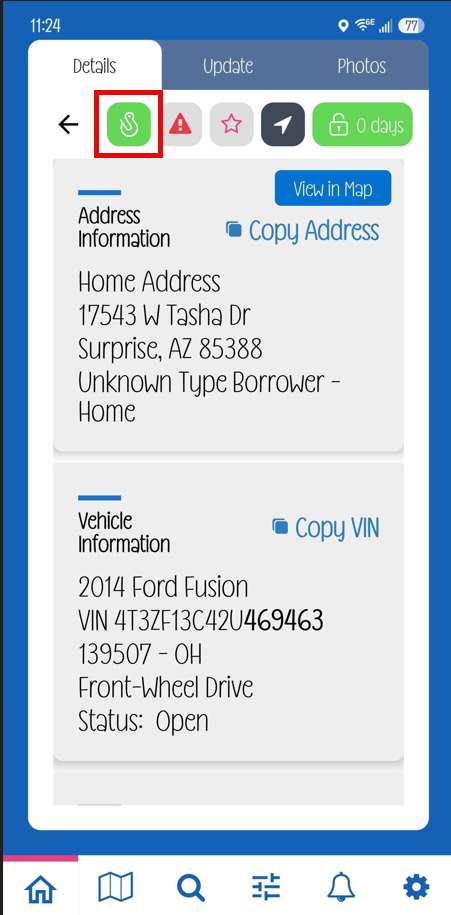
If for some reason the case cannot be completed through the app, the lender/forwarder can turn off the requirement on a case by case basis.
Step 1: Go to Case Page
Step 2: Click on the Service Provider tab
Step 3: Click the Gear to the right of the Service Provider
Step 4: Click RCM Required Exception
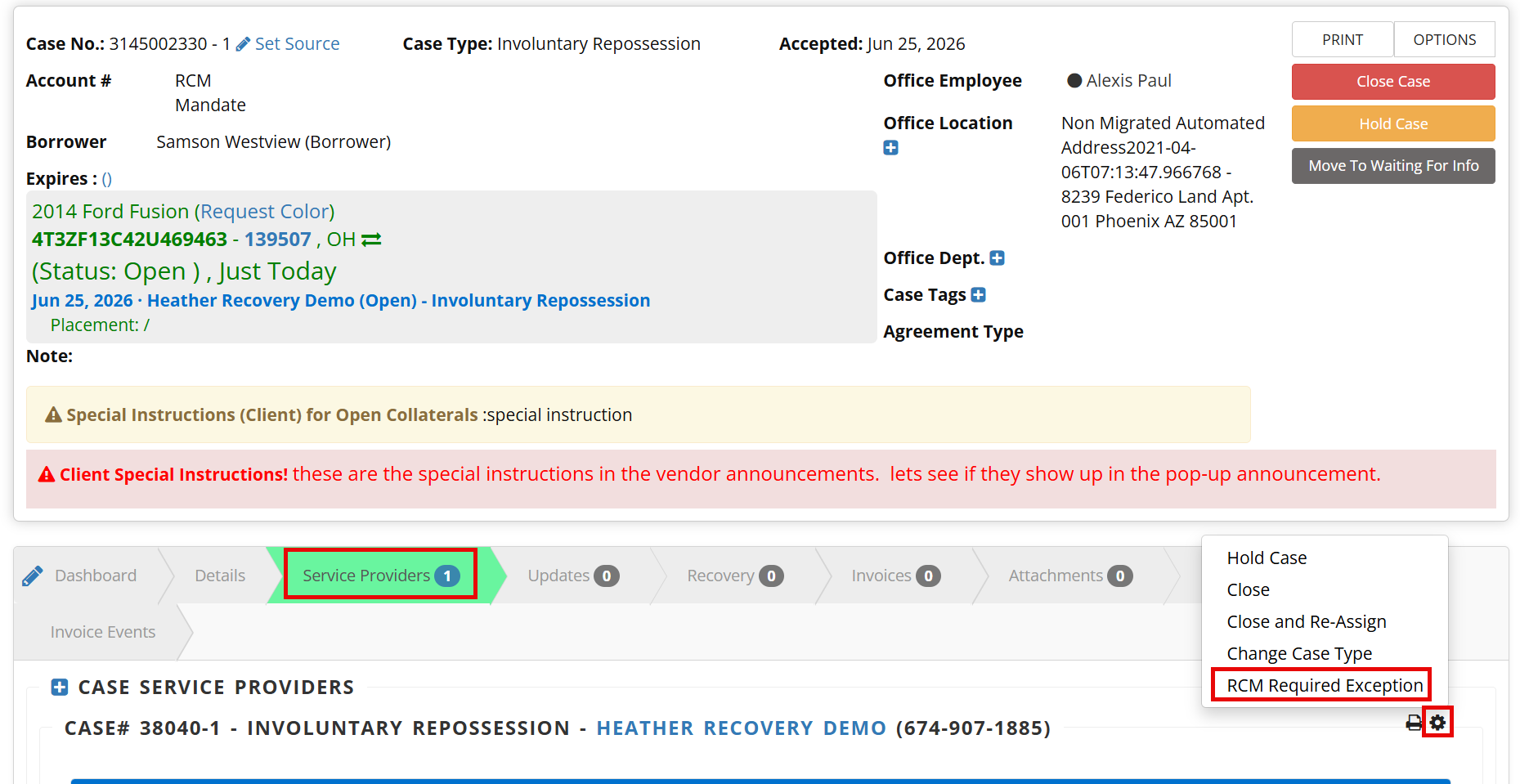
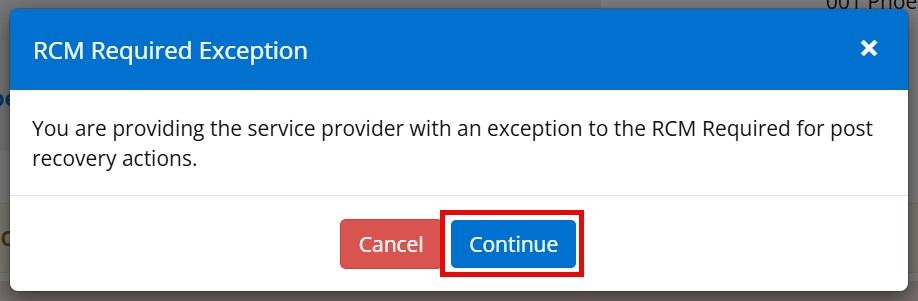
Step 5: Click Continue on the pop-up
The agency can now complete the recovery through the UI.